Updated 12 October 2026. Research-based assessment of official product information. We have not performed a hands-on benchmark.
PDFelement is worth considering when PDF editing is a regular part of your work: revising client documents, converting files, handling scans and filling forms. It brings these tasks into one desktop application. Its free trial is useful for checking your documents, but it is not a replacement for an unrestricted paid PDF editor.
Our verdict
For freelancers and small teams, PDFelement makes most sense when a basic PDF reader no longer covers the job. Start by testing your own documents rather than buying on the strength of the feature list. If you only read files or occasionally sign a form, paying for a full editor may be unnecessary. If your work requires a specific enterprise workflow, compare its exact requirements before switching.
What PDFelement does
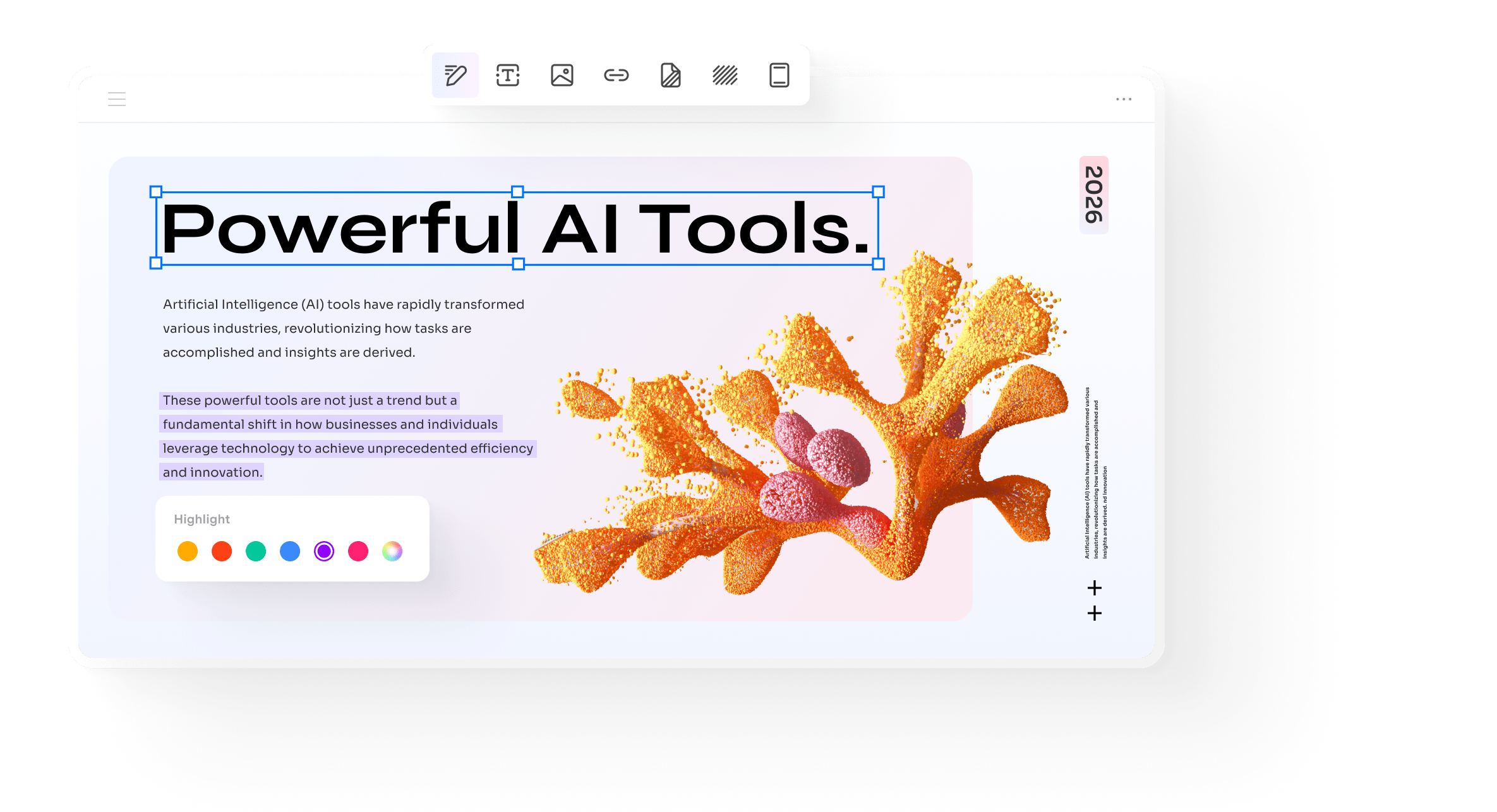
Wondershare lists tools for editing text and images, annotating documents, combining and organizing pages, converting files, creating forms and signing PDFs. It also offers document-focused AI tools. That breadth is useful when several people send you different file formats. It does not guarantee that a complex conversion will preserve every font, table or layout detail. Check the output before returning a file to a client.
PDFelement OCR: making scanned text usable
OCR turns a scan or image-based PDF into text the software can work with. This matters for searchable archives and documents that need editing or conversion. A clean scan is a better starting point than a blurred photograph. Test a representative file with small print, tables and unusual fonts, then check names, dates and amounts against the original. OCR should reduce retyping, not replace proofreading.
Is PDFelement free? Trial limits explained
The desktop trial has restrictions. Wondershare’s registration guide says edited or commented files receive a trial watermark when saved. Conversion is limited to three pages, combining to three files, and compression is unavailable in the trial. Save a separate copy so your original document remains intact. A free download means you can evaluate the application; it does not mean full paid features are permanently free.
PDFelement price: subscription or perpetual license
The official store offers term-based plans and a perpetual option. Promotional prices and platform bundles vary, so use the live store rather than an old coupon claim. Compare the amount charged today, the renewal terms, included updates and the devices covered. Perpetual access refers to the licensed version, not a promise of every future major upgrade. Some cloud, mobile or web benefits are time-limited even alongside a desktop perpetual license.
Windows, Mac and cross-platform buying
PDFelement has desktop and mobile versions, but a platform-specific license is not automatically an all-device license. Wondershare’s guide says a Windows license does not activate the Mac or mobile application; an appropriate cross-platform plan is needed for that use. Check current technical requirements and feature availability for your actual operating system. Activation, cloud functions and certain online tools require an internet connection.
Strengths and trade-offs
The main attraction is keeping common PDF tasks together instead of switching between several utilities. The main buying risks are choosing the wrong license, mistaking a trial for a free product and assuming scans or conversions need no review. AI summaries can help you navigate a document, but should not be your sole basis for a contractual, financial or professional decision. Handle confidential files according to your own organization’s rules.
A practical test before buying
Use a non-confidential sample document. Edit a paragraph, replace an image, annotate a page and export a short file to Word. Try OCR on a scan and inspect the result. Reopen the saved copy in another PDF reader. Finally, check whether the license covers the devices and recurring tasks you need. These are suggested evaluation steps; JKOffers has not performed a hands-on benchmark for this article.
Who should choose it?
Consider PDFelement if frequent document work justifies a dedicated editor and its trial handles your samples well. Compare alternatives if you need a particular integration or enterprise requirement. Stay with a basic reader if your work is mostly viewing PDFs. Our recommendation is to validate the workflow first, then choose the smallest suitable license.
Sources and editorial method
Product facts were checked against the official sources below on 12 October 2026. Prices and plan availability can change. Buying recommendations reflect our analysis of the documented features and restrictions.